Blog ·
Change the price on a sale banner without redesigning it
Three honest paths to update a price on a banner: free text edits in templates, an AI repaint, or rebuilding baked lettering as editable layers. Costs and limits of each.
The flash sale starts tonight and the price just changed. The old workflow is pay the designer again, or export, paint over the number and ship something crooked. If your banner lives in Oia, there are three paths, and they cost very different things. Pick the right one before you spend anything.
Path 1: the price is a text layer, editing is free
Every template bundled with Oia (35 of them, across eight categories) keeps its copy as real text layers on top of the artwork. Double-click the price, type the new number, export. The photograph does not move by a single pixel, because nothing was regenerated.
This is the cheapest path and the most exact one: no AI run, no allowance spent, no risk that the product photo drifts. If you run many short promotions, starting from a template is what makes repricing a non-event. The template library shows exactly which designs ship with the app.
Path 2: the artwork is one AI image, repaint it
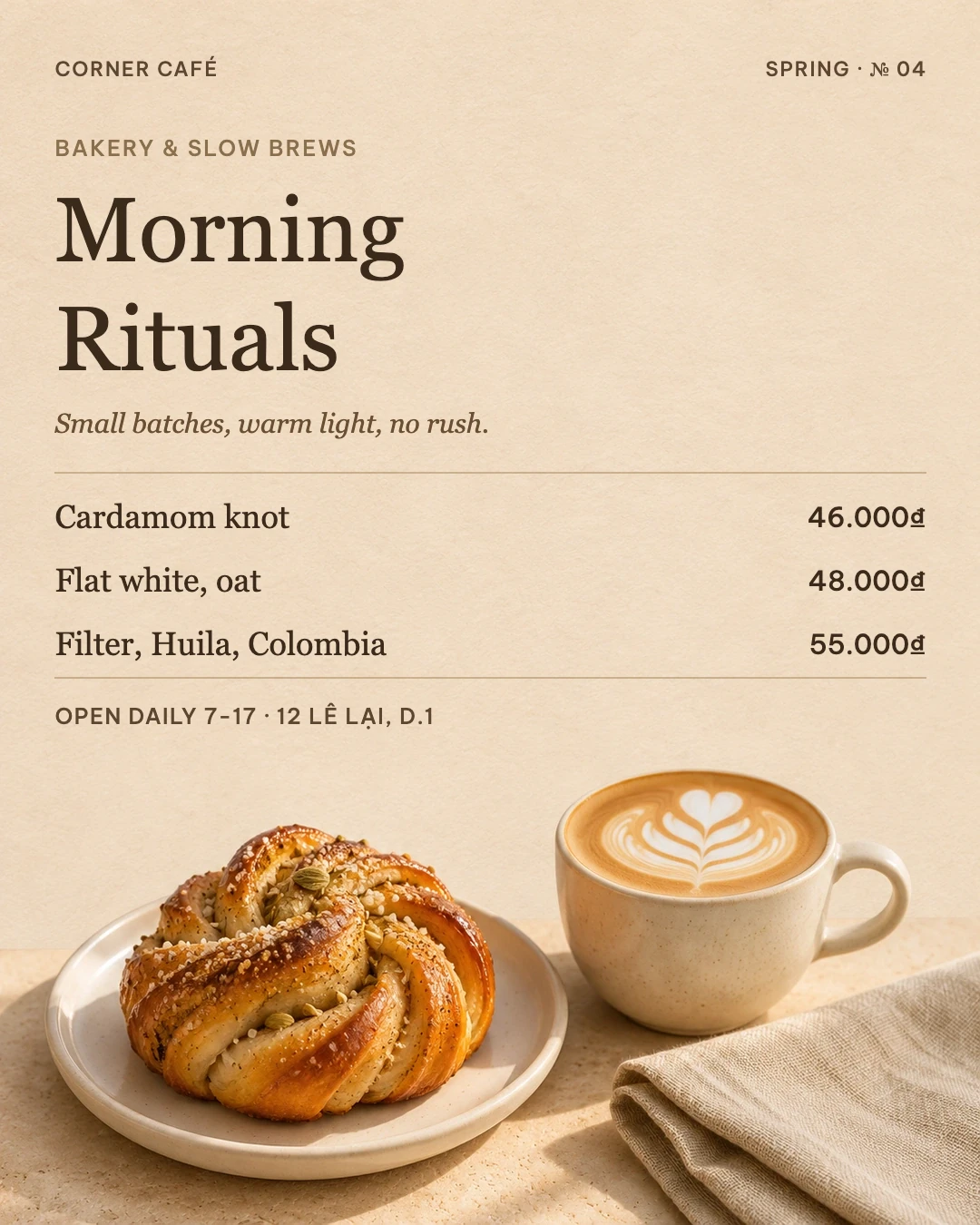
When the whole banner is a single generated image, lettering is painted into the picture. Changing “20% OFF” to “30% OFF” means asking for a repaint: Oia sends the artwork back to the image model as a reference and gets a new version in the same visual direction.
Two things to know before you press run. First, a repaint uses your AI allowance, and so does the preview, even if you throw it away. Second, a repaint is a regeneration: the layout and mood usually hold, but small details can change. Oia always previews the result and only replaces your design when you accept it. If the price badge sits next to your real product photo, check the product too before posting.
Path 3: rebuild the lettering as editable text, pay once
If you expect to reprice this banner every week, there is a third path. “Make text editable” examines the image and rebuilds the painted lettering as real text layers. It is the most expensive operation of the three: on dense artwork it can use up to one generated image and six image reads. The rebuilt fonts are approximations, the recognized text needs a proofread, and background areas that got erased can shift.
The payoff is that afterwards you are back on path 1: retype the price as often as you like, for free. You can also flip “Editable text right away” before generating, and start with separate text layers from the beginning.
A 30-second checklist
- Is the price already a text layer? Edit it, done, free.
- Is it baked into an AI image and you need a one-off change? Repaint, then proofread the whole banner.
- Will this banner be repriced weekly? Rebuild the lettering once, or regenerate with editable text from the start.
The app shows an estimate of AI usage before every paid step, so none of these paths is a surprise at the wallet. If you are new to Oia, the install guide covers the two-minute setup, and the prompt library has tested starting points for your next campaign.
Try it in Oia
Free, open source, no account. AI generation uses your own ChatGPT plan.